




KanbanBot for event management, planning, and tracking
Event Management Made Visual - Plan, Track, and Organise Events Online
A free visual workspace for event management, event planning, event tracking, and event monitoring. Turn event preparation into cards, assign owners, schedule dates, and keep every detail visible on web or Telegram.
An Event Management Board Built for Clear Delivery
Stop managing event details across scattered chats, spreadsheets, emails, and meeting notes. KanbanBot gives you a visual event management board where event planning, event scheduling, event tracking, and event monitoring happen in one flow. Use the web app on any device or keep the same board connected inside Telegram.

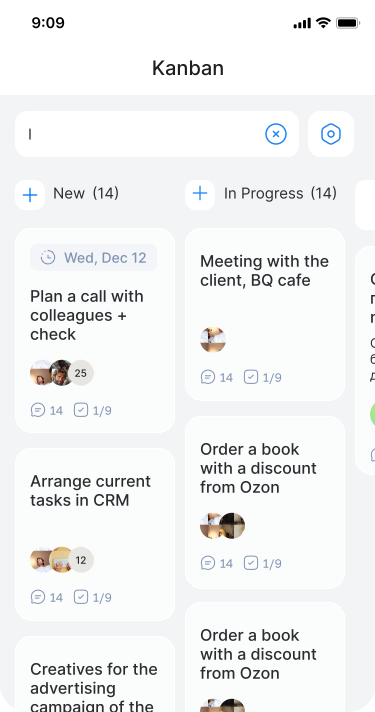
One event tracker for statuses, owners, deadlines, vendors, speakers, and progress.
Designed for Event Planning, Tracking, and Monitoring

Event Planning
Organise event workflows, set deadlines, assign owners, and monitor execution. KanbanBot is a visual event organizer for venue tasks, speaker prep, guest lists, logistics, and follow-ups.

Event Tracking
Track every moving part with a visual event tracker. Break a launch party, webinar, workshop, or conference into clear tasks and see what is planned, active, blocked, or ready.
An Event Task Board for Collaboration
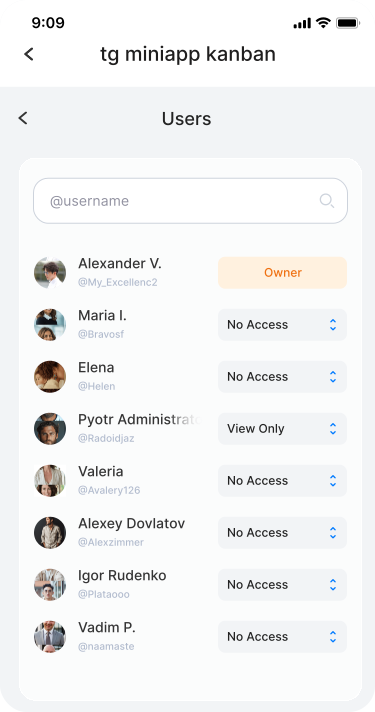
Invite organizers, teammates, vendors, or volunteers with a single link. Update tasks, leave comments, and track progress together on a shared event planning board - whether you're on the web or chatting in Telegram.

What Your Event Management Workflow Can Do
AI Assistant
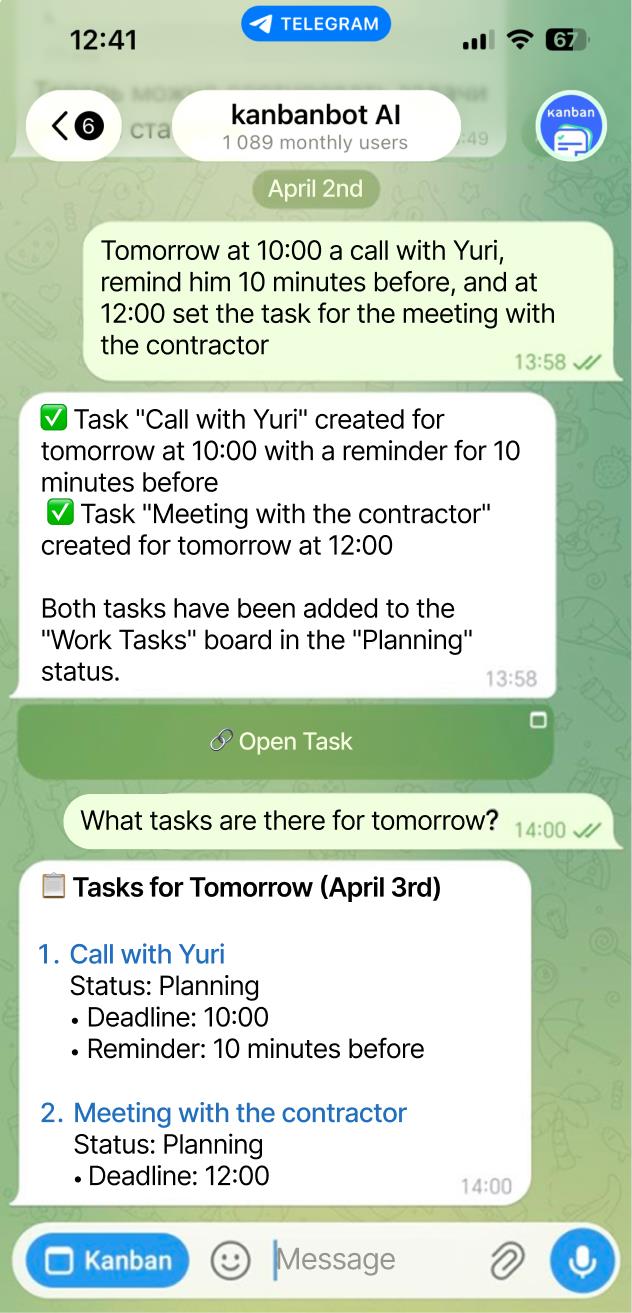
Create event planning cards and entire event boards with a simple prompt. Let AI outline the structure.
Voice Input
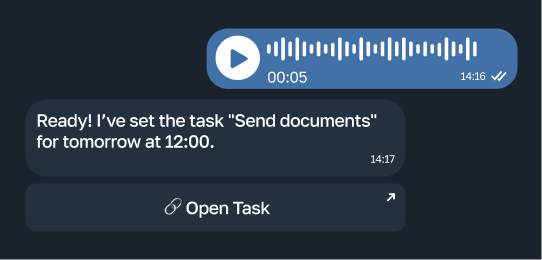
Add an event task hands-free. Just speak - your event tracker captures it instantly through Telegram.
Real-Time Sync
Switch between web and Telegram without losing a single update. Your digital event board stays perfectly in sync.
Unlimited Boards
Run as many boards as you need - for webinars, launches, community meetups, or private events. Keep your online event board free from clutter.
Start Event Management for Free - Upgrade When You Grow
The core features for personal use and small UK teams are completely free. No credit card required. Create your event planner online now and see how smooth event management can be.
Free
0
/mo
- Unlimited boards
- Unlimited users
- Assignees and deadlines
- AI assistant
Premium
150
/mo
- Task tags
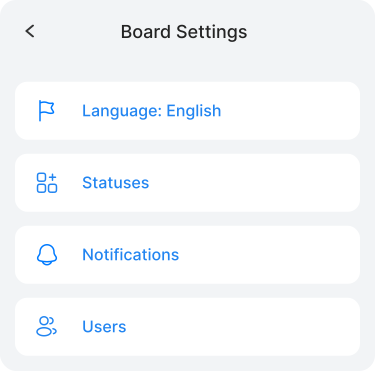
- Permissions management
- Files in tasks and comments
- Android/iOS integration Soon
- External service integrations
- Team management
- Automation Soon
- Reports Soon
Team
644
/mo
- Automation and workflows Soon
- Reports Soon
- Event log Soon
- Task templates Soon
Trusted by 1 000+ Users Planning and Tracking Events in KanbanBot
Real teams and personal users rely on KanbanBot for event planning, event tracking, event scheduling, and event monitoring.

1 000+ users managing tasks
Your event management system, free of unnecessary friction. Join UK organisers who plan, track, and deliver events with KanbanBot.





Event Management FAQ
Quick answers about using KanbanBot for event management, event planning, event tracking, scheduling, and monitoring.
Event management is the process of planning, organising, assigning, tracking, and monitoring event work so every task, supplier, owner, date, and next step is clear.
KanbanBot makes that process visual: event tasks become cards, cards move through statuses, and the whole team can see what is planned, active, blocked, or done.
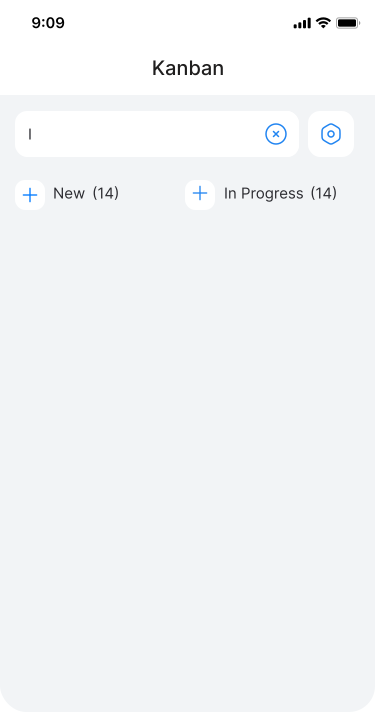
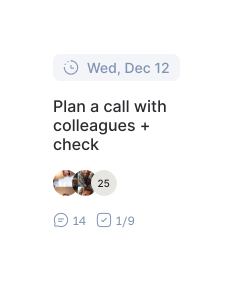
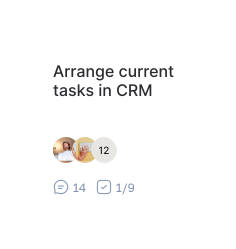
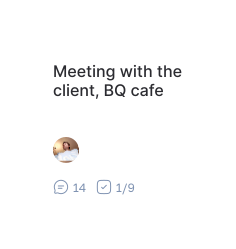
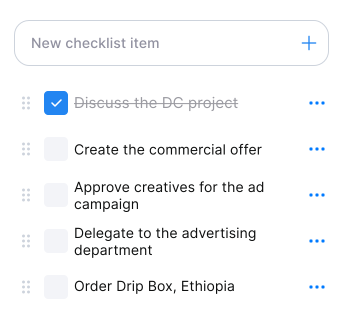
An event board turns preparation into visible cards. You can split an event into tasks, add checklists, schedule deadlines, and arrange cards by stage, priority, or team.
This makes event planning easier than a flat list because every card can carry context, comments, assignees, and progress details.
Event tracking shows the status of each task, vendor item, or deadline. Event monitoring helps you watch the whole run-up and catch gaps before the event date.
KanbanBot supports both: each event card has details, while the board gives a live overview of the full event preparation process.
Yes. KanbanBot lets you assign responsible people, add due dates, use comments, and build checklists inside each event task card.
This turns the board into an event organizer where everyone can see who is responsible and what should happen next.
Yes. KanbanBot includes free core event planning and event tracking features for personal use and small teams. You can start without a credit card.
Optional upgrades are available when you need more control, permissions, team features, and advanced project management capabilities.
Yes. Use it for private events, meetups, webinars, launches, community programmes, or internal company events.
The same board works in the browser and inside Telegram, so updates stay close to where conversations already happen.